How to Tell Which Page Helped Create a Lead
A lead is less useful when the record only says website or Google. Use this checklist to decide which page, source, campaign, form, and call fields must survive into follow-up so owners can see what helped create the inquiry.
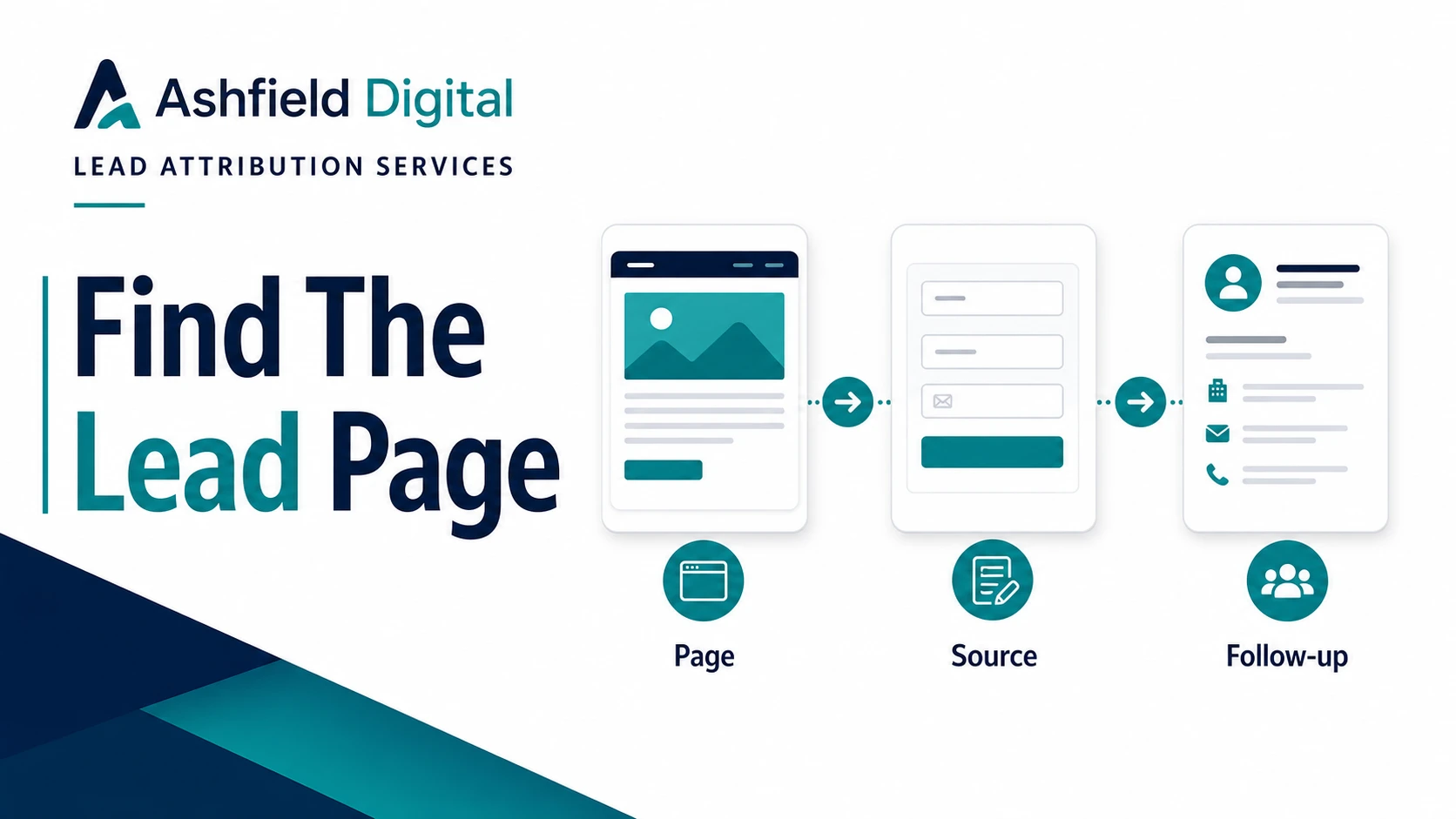
A lead record that only says "website" is not good enough.
It tells the owner that somebody came through the site. It does not tell them which page helped, what source or campaign brought the visit, which service the person was considering, whether the call path worked, or what the follow-up person should know before responding.
That gap creates bad decisions. Pages get blamed when tracking is broken. Campaigns get credit when the CRM overwrote the source. Service pages keep getting rewritten even though the real issue is that the form drops the page path before the lead reaches a human.
The decision task is simple: decide which page, source, and campaign fields must survive into follow-up.
Start With The Buyer Decision
Lead attribution services should begin with the decision the business needs to make, not the dashboard it wishes it had.
Most owners and agency teams are trying to answer questions like these:
- Which pages are creating qualified inquiries?
- Which service pages help people decide to call, book, or submit a form?
- Which sources and campaigns are attached to those inquiries?
- Which form, phone, chat, or booking path did the person use?
- What context should the follow-up person see before responding?
- Which attribution gaps are real enough to fix next?
That is a different question from "Which channel gets all the credit?"
For a local service site, a practical answer might look like this:
| Buyer action | Useful page evidence | Follow-up value |
| --- | --- | --- |
| Form submission from a service page | Conversion page, service interest, form name, UTM values | The team knows what the person asked about and which page generated the inquiry. |
| Call from a mobile page | Page path, phone number clicked, call timestamp, call outcome | The owner can see whether high-intent pages are producing calls. |
| Resource visit before contact | Landing page, later conversion page, original source | The report can show that educational content helped start the path. |
| Paid campaign lead | Campaign parameters, click ID when available, landing page, conversion page | Budget conversations can use evidence instead of a broad "paid search" label. |
| Returning direct lead | Original-source context, latest visit context, conversion page | The team can avoid treating a returning buyer as if they came from nowhere. |
The page is not always the whole story. It is one piece of evidence that should not disappear.
Preserve The Page Fields Before Anything Else
The fastest attribution win is often not a new dashboard. It is making sure the lead record preserves page context before the notification, CRM, or spreadsheet flattens it.
Use this minimum field set for forms and booking paths:
| Field | What it answers |
| --- | --- |
| Landing page | Where did the tracked visit begin? |
| Conversion page | Which page captured the form, booking, or lead action? |
| Current page title | What page label did the visitor see? |
| Referrer | Was there an external or internal prior page signal? |
| `utm_source` | Which source was tagged, such as newsletter, partner, or platform? |
| `utm_medium` | What channel type was tagged, such as email, cpc, social, or referral? |
| `utm_campaign` | Which campaign or initiative was attached? |
| `utm_content` | Which link, button, creative, or variant was attached? |
| `utm_term` | Which term value was attached when used? |
| Click IDs | Was an ad platform click identifier present? |
| Form name or ID | Which form captured the inquiry? |
| Service interest | What solution, location, or need did the person choose or imply? |
| Timestamp | When did the lead action happen? |
| Contact method | Was it a form, call, booking, chat, or email? |
| Consent context | Was the relevant consent or disclosure state captured? |
Google Analytics campaign guidance explains that URL campaign parameters can help identify campaign traffic. That helps reporting, but the business still needs those values preserved in the lead workflow. Analytics can know something while the CRM knows almost nothing.
A useful website growth system keeps the evidence in both places: analytics for aggregate behavior and the lead record for follow-up.
Keep Landing Page, Conversion Page, And Source Separate
Many CRM setups collapse different questions into one field called lead source. That creates a messy report because "source" can mean at least five things:
- The first tracked source.
- The latest tracked source.
- The landing page.
- The page where the lead converted.
- The human follow-up status.
Those fields should not fight for the same slot.
Here is a cleaner structure:
| CRM field | Example value | Reporting question |
| --- | --- | --- |
| Original source | `google` | What first brought this tracked contact into the journey? |
| Original medium | `organic` | What channel type was attached to the first known visit? |
| Original landing page | `/resources` | Which page started the known path? |
| Latest source | `newsletter` | What source was attached to the converting visit? |
| Latest campaign | `july-service-page-cleanup` | Which campaign value was present most recently? |
| Conversion page | `/solutions/conversion-tracking-lead-attribution` | Which page captured the inquiry? |
| Form name | `Lead attribution QA request` | Which form or booking path did the person use? |
| Service interest | `Lead tracking cleanup` | What should follow-up focus on? |
| Lead outcome | `Booked discovery call` | Did the inquiry become useful? |
This structure helps because it separates attribution evidence from sales outcome. A page can create many inquiries that are not qualified. A page can also create fewer inquiries that are highly valuable. You need page context and outcome context to see the difference.
For AI-search and SEO readiness, the same discipline matters on the page itself. The service page should say what it does in crawlable text, the FAQ should answer visible buyer questions, and structured data should match what visitors can actually read.
QA The Form Before Trusting The Report
Google Tag Manager can listen for form submissions, but the setup has to match the real form behavior. Some forms reload the page. Some submit through JavaScript. Some redirect. Some show an inline success message. Some fire validation events that look like leads when they are not.
That means the QA step is not optional.
Use this test sequence before trusting page-level attribution:
1. Open the target page with clean test UTM values.
2. Submit the form with a test lead name that is easy to find.
3. Confirm the lead notification includes landing page, conversion page, UTM values, form name, and timestamp.
4. Confirm the CRM receives the same fields.
5. Confirm the analytics event fires once.
6. Confirm failed validation does not count as a lead.
7. Test mobile, not only desktop.
8. Test a visit with no UTM values.
9. Test a returning direct visit if original-source logic is supposed to persist.
10. Confirm the follow-up person can see the fields without opening a tag preview tool.
This is where technical SEO implementation meets operations. The page can be well written, the schema can be clean, and the campaign can be tagged, but the business still loses insight if the form drops context before anyone responds.
Treat Calls As A Separate Lead Path
Phone calls deserve their own attribution workflow because many high-intent buyers never touch a form.
For service businesses, the page that creates a call may be more important than the page that creates a form. Mobile visitors often tap a number from the first screen, a sticky footer, a location page, a service page, or a contact section. If the CRM only records "phone call," the site loses the page evidence that mattered.
At minimum, call tracking should preserve:
- Page where the number was clicked or shown.
- Landing page when available.
- Number shown or number dialed.
- Source and campaign values when available.
- Call timestamp.
- Call outcome, such as booked, missed, spam, support, sales, or not a fit.
- Follow-up owner.
- Service or location context when known.
If dynamic number insertion or call tracking software is not in place, there are still useful improvements:
- Track click-to-call events by page.
- Label phone links consistently.
- Add page context to intake notes.
- Ask staff to choose a simple source category.
- Review missed calls from high-intent service pages.
- Compare call volume against form submissions before judging page quality.
The goal is not perfect call attribution. The goal is to stop treating calls as a separate black box when they may be the strongest lead path on the site.
Report Evidence Levels, Not Fake Certainty
Attribution can improve, but it will never be perfect.
Google Analytics attribution documentation describes attribution as assigning credit to touchpoints along a user's path. That is useful when the available data supports it. It does not remove the practical limits of privacy settings, direct visits, cross-device behavior, offline referrals, missing tags, CRM overwrites, or phone conversations.
So a useful report should separate evidence levels:
| Evidence level | What it means | Example |
| --- | --- | --- |
| Captured | The field was present in the lead record. | UTM source, landing page, conversion page, and form name arrived in the CRM. |
| Verified | The field was tested through the full path. | A test lead showed the same page context in notification, CRM, and analytics. |
| Inferred | The system made a reasonable classification from partial data. | Referrer suggests organic search, but campaign fields were not present. |
| Unknown | The available data does not support a source claim. | Direct visit, no referrer, no campaign fields, no stored original source. |
| Broken | The field should exist but failed QA. | Conversion page is blank in the CRM even though the form was submitted from a service page. |
This keeps budget and page decisions grounded.
Instead of saying, "The homepage created 20 leads," the report can say, "The homepage was the captured conversion page for 20 leads, 11 had verified source fields, 5 were inferred, and 4 had missing source context." That is more useful and more honest.
Ashfield's Lead Tracking QA Path
Ashfield's lead attribution cleanup starts with a practical question: can the business see which page helped create the lead when the inquiry reaches follow-up?
The action path is:
- Use `/solutions/conversion-tracking-lead-attribution` when forms, calls, UTMs, CRM fields, and lead reports need to be cleaned up together.
- Use `/pricing` when you need to compare a scoped tracking cleanup against broader website growth work.
- Use `/audit` for an initial fit review and a few evidenced observations; detailed diagnosis is scoped separately.
- Use `/resources` when you want checklists before committing to a sprint.
- Use `/solutions/marketing-reporting-automation` when the fields exist but reporting is still hard to read.
- Use `/contact` when one lead path needs a focused QA pass.
The work is not glamorous, but it changes the conversation. A lead record with page, source, campaign, form, call, and outcome context gives the owner something they can act on.
That is the real test of attribution cleanup: not whether a dashboard looks impressive, but whether the next lead tells the team what happened and what to do next.
Sources Used For This Lead Attribution Checklist
- Google Analytics Help: Get started with attribution: https://support.google.com/analytics/answer/10596866
- Google Analytics Help: URL builders and custom campaign URLs: https://support.google.com/analytics/answer/10917952
- Google Tag Manager Help: Form submission trigger: https://support.google.com/tagmanager/answer/7679217
- Google Search Central: Creating helpful, reliable, people-first content: https://developers.google.com/search/docs/fundamentals/creating-helpful-content
- Google Search Central: General structured data guidelines: https://developers.google.com/search/docs/appearance/structured-data/sd-policies
FAQ
How can I tell which page created a lead?
Start by preserving both the landing page and the conversion page in the lead record. The landing page shows where the tracked visit began, while the conversion page shows where the person submitted a form, booked, clicked to call, or took another lead action. Keep those fields separate from campaign source and CRM status.
Is the landing page always the page that deserves credit?
No. The landing page is important evidence, but it is not always the only page that helped. A visitor may land on a resource, compare a service page, return later, and convert from contact. Useful lead attribution keeps the landing page, conversion page, source, campaign, and follow-up outcome visible together.
Which fields should a lead form preserve for attribution?
A practical form should preserve landing page, current page, referrer, UTM source, medium, campaign, content, term, click IDs when available, form name, service interest, timestamp, and consent context when relevant. The CRM should keep original-source fields separate from latest-source and conversion-page fields.
How should phone calls be connected to pages?
Phone leads should record the page where the number was clicked or shown, the landing page when available, the number used, call timestamp, call outcome, and follow-up owner. If call tracking is not installed, click-to-call events and intake notes can still improve page-level evidence.
Why can attribution still be uncertain after tracking is fixed?
Attribution can still be limited by browser privacy settings, missing parameters, direct visits, cross-device behavior, offline referrals, ad platform rules, and CRM data quality. The goal is not perfect certainty. The goal is to preserve enough page and source evidence that sales, reporting, and budget decisions become more honest.
Keep reading
What Fail-Closed QA Means Before a Local Post Goes Live
AI and content calendars make it cheap to ship local posts. Fail-closed QA is the opposite habit: named checks that block publish when the copy would misrepresent a shop, pad a suburb, skip the call path, or invent a fact.
What Actually Moves Calls for Multi-Location Home Services (Maps, Pages, Conversion)
If call volume is flat, more blog posts are usually the wrong first move. Inspect the Maps listing a buyer actually sees, the location or service page they land on, and the tap-to-call or form path that has to finish the job.
How Multi-Location Home Service Brands Keep City Pages Distinct
A city-page farm can look like coverage while giving buyers the same thin answer in ten URLs. Use this method to approve only the markets that differ, publish what must be distinct, and keep those pages current on a weekly cadence.