Website Maintenance Should Mean More Than Plugin Updates
Website maintenance is often reduced to plugin updates and emergency fixes. Use this checklist to decide whether your maintenance support also protects page quality, lead paths, tracking, speed, schema, backups, and the buyer actions that actually affect growth.
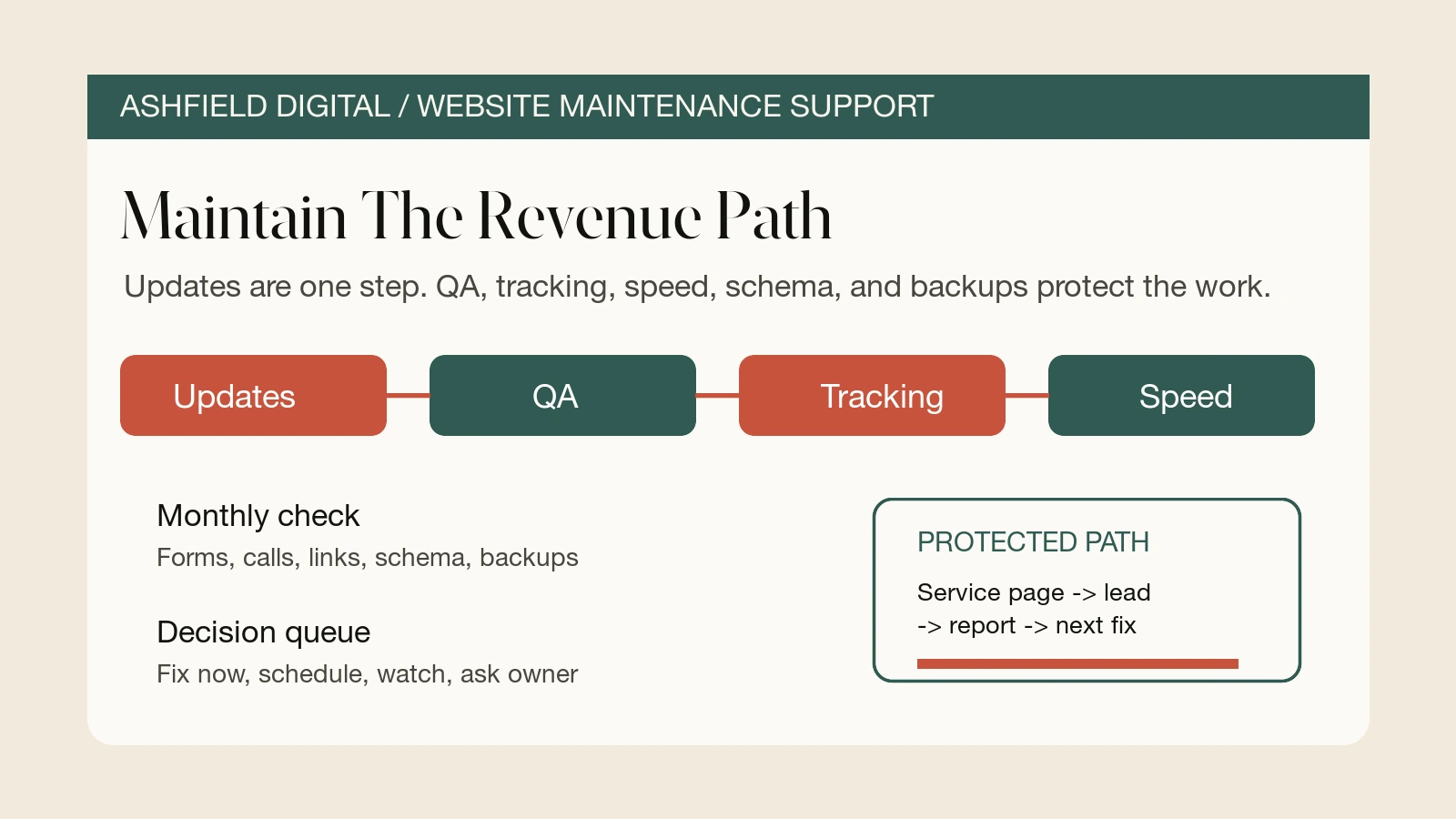
Website maintenance is too often treated like a quiet chore: update the plugins, check that the homepage loads, and move on.
That is not enough for a site that supports leads, appointments, sales conversations, local visibility, paid traffic, or agency fulfillment work. A site can be "updated" and still have broken forms, missing source fields, slow templates, stale service facts, outdated schema, buried calls, confusing redirects, and pages that no longer answer what buyers are trying to decide.
The practical decision task is simple: decide whether maintenance should include QA, tracking, content, speed, schema, and backups, not only software updates.
Start With What Maintenance Is Protecting
Before choosing a maintenance plan, name the business path the site has to protect.
For a small business or agency-supported site, maintenance usually needs to protect one or more of these paths:
| Website path | What maintenance should verify | Why it matters |
| --- | --- | --- |
| Service page to contact | Page copy, proof, CTA, form, phone link, source fields | Buyers can act, and the owner can see where the inquiry came from. |
| Local search to call | Mobile layout, phone tap, map/location context, service area facts | Local visitors can reach the business without hunting. |
| Paid landing page to lead | Page speed, tracking tags, conversion event, form routing, thank-you path | Ad spend is not wasted by avoidable page or tracking issues. |
| Resource page to next action | Internal links, related service links, CTA clarity, schema alignment | Helpful content can connect to a real business action. |
| Redesign or page launch | Redirects, metadata, links, analytics, schema, backups | New work does not break older visibility or reporting. |
This is the part many maintenance retainers skip. The goal is not only "keep WordPress current" or "make sure the site is online." The goal is to keep the parts of the site that create trust, leads, and measurable action working.
That changes the maintenance checklist.
Separate Updates From Verification
Plugin, theme, CMS, and framework updates still matter. They can patch security issues, compatibility problems, performance bugs, and editor workflow problems.
But updates are not the same as verification.
A safer update workflow looks like this:
1. Confirm there is a usable backup before changes.
2. Record what is being updated and why.
3. Apply updates in a staging environment when the site risk is high.
4. Check the homepage, top service pages, contact page, forms, search, menus, and mobile layout.
5. Confirm analytics, tag manager, pixels, and conversion events still fire correctly.
6. Check whether schema, metadata, canonical tags, and redirects changed.
7. Review the site's most important lead path on mobile.
8. Log what passed, what failed, what was fixed, and what needs owner approval.
That last step matters. A maintenance report that only says "plugins updated" does not tell the owner whether the site still creates leads, whether tracking survived, or whether a page needs follow-up work.
The better report says something like this:
| Maintenance result | Example note |
| --- | --- |
| Updated | "CMS core and three plugins updated after backup." |
| Verified | "Contact form, mobile phone tap, thank-you event, and conversion tag tested." |
| Fixed | "Broken internal link on maintenance support page repaired." |
| Watched | "Service page template is slower than the rest of the site after new image block." |
| Needs decision | "Pricing CTA is still going to a generic contact form; recommend a scoped pricing path." |
That is the difference between maintenance as housekeeping and maintenance as website support.
Check The Revenue Path Every Month
If the site is connected to revenue, maintenance should include a recurring revenue-path QA pass.
Start with the pages most likely to affect action:
- Homepage.
- Top service pages.
- Paid landing pages.
- Contact page.
- Pricing or audit page.
- Location or local business pages.
- Resource pages that receive search traffic.
- Thank-you, booking, or confirmation pages.
Then check the actual path a visitor would use:
| Check | Pass question |
| --- | --- |
| First screen | Does the visitor immediately understand the service, fit, proof, and next action? |
| CTA | Is the call, form, booking, audit, or pricing path visible on mobile? |
| Form | Does the form submit, route correctly, and show a clear confirmation? |
| Phone | Do phone links work on mobile, and can call clicks be tracked where appropriate? |
| Tracking | Do source, page, campaign, and event fields survive into reporting or CRM? |
| Internal links | Do pages connect to related services, resources, pricing, and contact paths? |
| Search basics | Are title tags, descriptions, canonical tags, indexability, and redirects still sane? |
| Content facts | Are services, offers, process notes, hours, areas, and team claims still accurate? |
This is where website maintenance support becomes useful to an operator. It catches the small problems that create messy handoffs: a form notification missing page context, a phone CTA hidden below a sticky bar, a service page still promising an old offer, or a resource page with no next step.
For Ashfield, this is also where maintenance connects to technical SEO implementation. The fix list should not sit in a spreadsheet forever. It should turn into shipped page, tracking, speed, schema, and link improvements.
Keep Content And Schema In Sync
Maintenance is not only technical. It also protects whether the site is telling the truth clearly.
Google's helpful content guidance is a useful pressure test: is the page useful to a real person, or is it mainly there to chase search traffic? Maintenance should apply that question to existing pages, not only new posts.
For AI-search and SEO readiness, maintenance should confirm that important pages still have:
- Crawlable text that names the service, audience, location or market, and next action.
- FAQ answers that are visible on the page and helpful to the buyer.
- Internal links to related services, resources, pricing, audit, and contact paths.
- Source-worthy examples, checklists, process notes, or constraints when the topic needs proof.
- Structured data that matches the visible content.
- Clear page titles and descriptions that reflect the actual page.
- No hidden text, fake proof, fake reviews, fake stats, or unsupported claims.
Structured data deserves its own maintenance check. Google's structured data guidelines expect markup to represent content users can see. That means schema should be reviewed when a page is rewritten, a template changes, FAQs are removed, services are renamed, locations change, or a redesign ships.
Use this quick fact map:
| Visible page fact | Maintenance question |
| --- | --- |
| Business name and contact path | Does Organization or LocalBusiness markup still match visible details where used? |
| Service name and description | Does the page body clearly support the service facts being marked up? |
| FAQ questions and answers | Are the marked-up questions visible and still useful? |
| Breadcrumbs | Does the visible navigation match the breadcrumb data? |
| Images | Are image paths valid, descriptive, and not relying on fake text or stock-like filler? |
| Reviews or offers | Are any review, rating, price, or offer claims visible and accurate? |
Schema will not save a thin page. It can only describe a useful page more clearly.
Watch Speed, Stability, And Mobile Layout
Maintenance should include performance checks because slow or unstable pages can quietly weaken the buyer path.
The practical review is not "make the score perfect." It is "find the issue that affects the pages people actually use."
Use this order:
1. Check key templates first: homepage, service page, blog/resource page, contact page, landing page.
2. Review mobile, not only desktop.
3. Look for oversized images, layout shifts, slow third-party scripts, heavy embeds, and unused tracking tags.
4. Compare important pages against Core Web Vitals signals such as loading performance, interactivity, and visual stability.
5. Decide what should be fixed now, watched, or deferred.
The web.dev Web Vitals guidance focuses on Largest Contentful Paint, Interaction to Next Paint, and Cumulative Layout Shift. Search Console's Core Web Vitals report groups URL performance from real-user data when enough data is available. Both are useful, but neither replaces looking at the actual pages that support calls, forms, and sales conversations.
A maintenance note should translate performance into an owner decision:
| Finding | Better maintenance note |
| --- | --- |
| "LCP issue" | "The hero image on service pages is too heavy and may delay the first useful content on mobile." |
| "CLS issue" | "The review widget shifts the CTA section after load; pin dimensions or move the widget lower." |
| "Too many scripts" | "Two old marketing tags still load on every page but no longer feed active reporting." |
| "Large image" | "The pricing page has a 2.4 MB image where a compressed WebP would work." |
That kind of note gives the owner a fix path instead of a vague score.
Turn Maintenance Into A Work Queue
The strongest maintenance systems do not only find issues. They sort them into action.
Use four buckets:
| Bucket | What goes here | Example |
| --- | --- | --- |
| Fix now | Broken items affecting leads, trust, search access, or security | Contact form fails, conversion event double-fires, important page noindexed by mistake |
| Schedule | Useful improvements that need implementation time | Compress service images, rewrite outdated FAQ, repair internal link cluster |
| Watch | Risks that are not urgent yet | Template speed trending down, old plugin still compatible but aging |
| Ask owner | Decisions that need business input | Remove outdated service, change pricing CTA, approve new tracking disclosure |
This matters because many maintenance retainers fail in the handoff. The technical person sees the issue, the owner sees a status report, and no one owns the next fix.
A better monthly report should include:
- What changed.
- What was tested.
- What broke and was fixed.
- What still needs a decision.
- Which page, lead path, or campaign is affected.
- Which internal Ashfield path supports the next step.
That is how maintenance becomes a website growth system instead of a recurring receipt.
Ashfield's Website Maintenance Support Path
Ashfield's maintenance support starts with the parts of the site that affect trust, search visibility, lead capture, and reporting.
The action path is:
- Use `/solutions/website-maintenance-support` when the site needs recurring QA, updates, backups, content checks, tracking checks, and small shipped fixes.
- Use `/solutions/technical-seo-services` when crawl, index, schema, speed, redirect, and implementation issues need deeper cleanup.
- Use `/solutions/conversion-tracking-lead-attribution` when forms, calls, UTMs, and CRM fields are losing source context.
- Use `/pricing` when you need to compare maintenance support against a scoped sprint or retainer.
- Use `/resources` when you want practical checklists before committing.
- Use `/contact` when one high-value path needs a focused maintenance review.
The goal is not to make maintenance sound bigger than it is. The goal is to make it more honest.
If a website helps create leads, bookings, sales conversations, or agency deliverables, maintenance should protect those outcomes. Plugin updates are part of that work. They are not the whole job.
Sources Used For This Maintenance Checklist
- Google Search Central: Creating helpful, reliable, people-first content: https://developers.google.com/search/docs/fundamentals/creating-helpful-content
- Google Search Central: General structured data guidelines: https://developers.google.com/search/docs/appearance/structured-data/sd-policies
- Google Search Central: Link best practices for Google: https://developers.google.com/search/docs/crawling-indexing/links-crawlable
- web.dev: Web Vitals: https://web.dev/articles/vitals
- Google Search Console Help: Core Web Vitals report: https://support.google.com/webmasters/answer/9205520
FAQ
What should website maintenance include besides plugin updates?
Useful maintenance should include backups, update testing, page QA, form and call-path checks, analytics and tag checks, speed review, structured data validation, broken-link cleanup, content accuracy checks, redirect review, security basics, and a clear queue of fixes. Plugin updates are one task inside a broader website support system.
How often should a business review website maintenance?
Most small sites need at least a monthly maintenance review, with faster checks after major software updates, new campaigns, redesign work, tracking changes, or important content updates. High-value lead paths, ecommerce pages, and paid landing pages may need weekly QA because small errors can affect revenue quickly.
Is website maintenance the same as website hosting?
No. Hosting keeps the site available on a server. Maintenance checks whether the site still works for visitors and the business. A host may provide backups, uptime, or security tools, but maintenance should also review forms, calls, analytics, page content, search visibility, structured data, redirects, and conversion paths.
Should structured data be part of website maintenance?
Yes, when the site uses schema. Structured data should be checked after template changes, content updates, page launches, and redesign work. The markup should match visible page facts, because search guidance expects structured data to describe content users can actually see on the page.
How do I know if maintenance support is worth paying for?
Maintenance is worth paying for when the site supports leads, sales, appointments, local search, paid traffic, or partner trust. The practical test is whether the support catches problems before they cost inquiries, preserves tracking evidence, ships small improvements, and gives the owner a readable report of what changed and what needs a decision.
Keep reading
What Fail-Closed QA Means Before a Local Post Goes Live
AI and content calendars make it cheap to ship local posts. Fail-closed QA is the opposite habit: named checks that block publish when the copy would misrepresent a shop, pad a suburb, skip the call path, or invent a fact.
What Actually Moves Calls for Multi-Location Home Services (Maps, Pages, Conversion)
If call volume is flat, more blog posts are usually the wrong first move. Inspect the Maps listing a buyer actually sees, the location or service page they land on, and the tap-to-call or form path that has to finish the job.
How Multi-Location Home Service Brands Keep City Pages Distinct
A city-page farm can look like coverage while giving buyers the same thin answer in ten URLs. Use this method to approve only the markets that differ, publish what must be distinct, and keep those pages current on a weekly cadence.