The 20-Minute Local Website Checklist Owners Can Run
A local website can look finished while its buyer path, contact flow, search visibility, or tracking is broken. This timed owner checklist helps you find the first problem worth fixing before you pay to send more people into the site.
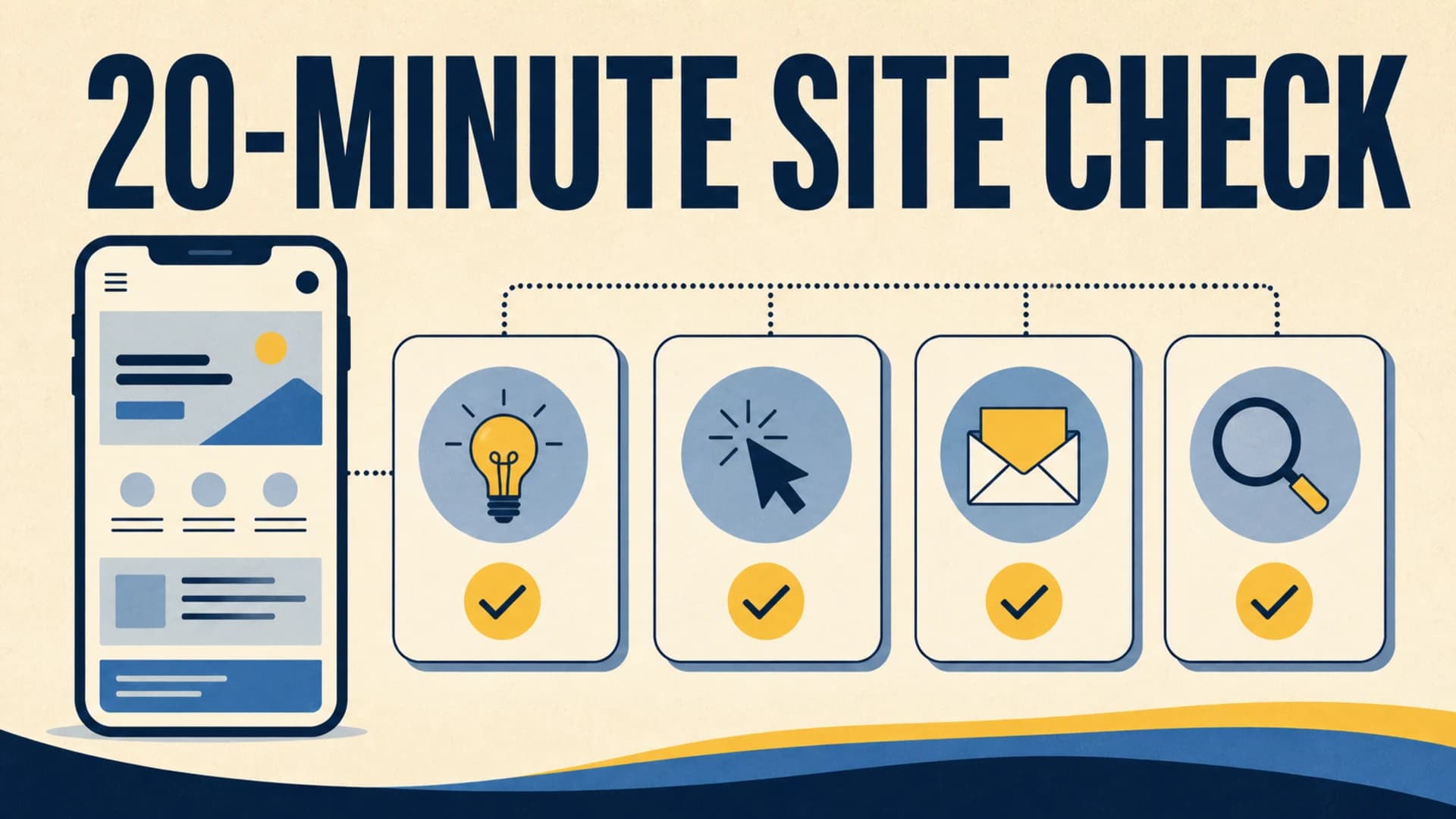
A local business website can look polished and still fail the job it was hired to do.
The service may be hard to identify on a phone. The location language may be vague. The contact button may lead to a form nobody receives. The form may work but strip away the page and campaign context needed for a useful follow-up. Search tools may report that the page is available while the buyer still cannot decide whether to call.
This 20-minute website check is a first pass for an owner, operator, or marketing lead. Its decision task is simple: find the first website problem worth fixing before paying for more traffic, tools, or redesign work.
You are not trying to complete a full SEO, accessibility, analytics, or security audit in 20 minutes. You are testing one important buyer path and collecting enough evidence to choose the next action.
Set Up And Use Minutes 0 To 5
Pick one service that should create a valuable inquiry. Then describe the customer in one sentence.
For example: A homeowner with a leaking roof wants to know whether this company serves Delray Beach, handles leak repairs, and can schedule an inspection this week.
Open the website on a phone using a private browser window. Start from the page a new visitor is most likely to land on, such as the homepage, a primary service page, or a location page. Do not log into the content system. Do not begin by reading analytics. Experience the public path first.
Write down four items before starting the timer:
- Customer need: the problem or service the visitor is trying to solve.
- Entry page: the first public URL you will test.
- Intended action: call, book, request an estimate, visit, or submit a form.
- Proof of success: the exact result that shows the action reached the business.
Use a simple result label for each timed check:
- Pass: a new customer can understand or complete it without explanation.
- Friction: it works, but the customer must guess, hunt, zoom, or repeat information.
- Fail: it is misleading, blocked, broken, or cannot be verified.
- Unknown: you lack access or evidence and need a named follow-up.
This keeps the exercise from becoming a debate about design taste. A result must point to visible evidence or an observed action. With the timer running, stay on the first page and ask whether the visitor can decide to continue.
- Can you name the service within five seconds?
- Can you tell who or what situation it is for?
- Is the service area, office location, appointment model, or delivery area clear when location matters?
- Does the page explain a specific outcome, process, specialty, or constraint rather than use a generic slogan?
- Is there one obvious next action on the first mobile screen or immediately after it?
- Is there credible support near the action, such as a relevant review, project example, credential, process note, or response expectation?
Read the page as a customer, not as the person who approved the copy. Owners automatically fill gaps from memory. A new visitor cannot.
A weak page might say, "Quality service you can trust," show a large photograph, and offer a button labeled "Explore." A stronger page names the service, location fit, useful proof, and next step: "Roof leak inspections in Boca Raton and Delray Beach. Request an inspection and receive a scheduling reply within one business day."
That example is specific without inventing a claim. The actual business still has to verify every service area and response promise before publishing it.
Google's people-first content guidance asks whether content serves an intended audience and helps people accomplish their goal. For this check, the goal is not merely reading the page. It is deciding whether the business fits the customer's need and knowing what to do next.
Record the first unclear fact. Do not rewrite the whole page during the test.
Minutes 5 To 10: Follow The Mobile Action Path
Tap the primary action and continue as far as a real customer would.
If the intended action is a phone call:
- Confirm the number is visible, tap-enabled, and correct.
- Check whether the phone action persists where the customer is most likely to decide.
- Verify that business hours or response expectations are accurate when they affect the call.
- Make sure the page does not offer competing phone numbers without explaining the difference.
If the intended action is booking or a form:
- Confirm the page loads without a login request, warning, broken embed, or layout overlap.
- Check that labels remain visible and fields are usable on a phone.
- Ask only for information the business needs for the next step.
- Make the button describe the action, such as "Request an inspection" instead of "Submit."
- Explain what happens next before the visitor sends personal information.
Also test the route around the action. Open the navigation. Visit the relevant service page. Return to the contact path. Look for dead ends, unexpected redirects, confusing back buttons, or repeated calls to action that lead to different destinations.
The earliest failed step matters most. If a visitor cannot identify the correct service, changing the form will not solve the first problem. If the service page is clear but the booking embed is unusable on mobile, buying more traffic sends more prospects into the break.
Minutes 10 To 15: Prove The Lead Reaches The Business
Use a recognizable test entry, not fake customer information. Include the date and the page in the test name or message so the team can find and remove it later.
Complete the action, then verify both sides.
On the visitor side:
- Did the button respond once without duplicate submissions?
- Did the page show a clear success state?
- Did it explain what happens next and when?
- Did the success page preserve a useful way back to the site?
On the business side:
- Did the message reach the correct inbox, CRM, calendar, or routing system?
- Did the record include the requested service and contact details?
- Did it preserve the landing page, form page, referrer, and campaign values when those fields are part of the setup?
- Can the person following up tell what the customer was viewing and asking for?
- Did any notification expose private information to the wrong recipient?
A thank-you message proves only that the browser changed state. It does not prove that the lead arrived.
If Google Analytics is part of the site's measurement setup, DebugView can show events collected from a test device when debug mode is enabled. Use it to confirm the intended event and useful parameters arrive once. Analytics evidence should support the operational test, not replace the inbox, CRM, phone, or booking confirmation.
Mark the result Unknown when you cannot access the receiving system. Name the person who can verify it and give that check a deadline. Do not mark the form as passed because nobody reported a problem.
Minutes 15 To 20: Check Search Access And Choose One Fix
Finish with a small crawl and search-readiness check for the exact page you tested.
- Confirm the public URL loads over HTTPS without requiring a password.
- Check that the page title describes the service or decision instead of using a generic label such as "Home."
- Confirm the visible main heading agrees with the page topic.
- Follow at least one internal link into the page and one useful link out to the next step.
- Check that important service facts, FAQ answers, and contact information exist as crawlable page text, not only inside an image.
- If you have Search Console access, inspect the full URL and compare the indexed result with a live test when the page has changed.
- If the site uses structured data, confirm it describes facts and answers actually visible on the page.
Google's SEO Starter Guide emphasizes organizing a site so users and search engines can understand how pages relate. The URL Inspection tool can show information about Google's indexed version and test whether a live URL might be indexable. Neither result guarantees rankings, traffic, or customer clarity.
Now choose one fix using this order:
1. Access failure: the important public page cannot load or is unintentionally blocked.
2. Decision failure: the customer cannot understand the service, fit, location, proof, or next step.
3. Action failure: the call, booking, navigation, or form path is broken.
4. Delivery failure: the inquiry does not reach the right system or person.
5. Context failure: the lead arrives without the page, service, source, or campaign detail needed for follow-up.
6. Measurement failure: the customer path works, but reporting cannot verify the important action.
Write the fix as a verifiable outcome. "Improve the website" is not a fix. "Replace the generic homepage heading with the verified service and service area, then confirm it is readable on a phone" is verifiable.
Assign an owner, a due date, and the production evidence required to close it. Run the same customer path again after the change. Only then move to the next failure.
Examples Owners Can Recognize
Here are three common results from this check.
Local home service example:
- Observed: the homepage says "Complete solutions" and shows three counties in the footer, but the service page never says which cities are covered.
- Result: Friction in the buying decision.
- First fix: add verified service and location fit to the primary service page and the mobile action area.
- Verification: a new reader can name the service and coverage without opening the footer.
Professional service example:
- Observed: the consultation form shows a success message, but the submission never reaches the scheduling system.
- Result: Fail in lead delivery.
- First fix: repair the form integration and add monitored error handling.
- Verification: a dated test reaches the correct system once and triggers the expected follow-up path.
Multi-location example:
- Observed: every location page uses the same generic copy, the phone buttons route to one central number, and the lead record does not preserve the location page.
- Result: Friction in local fit and Fail in lead context.
- First fix: preserve the source location in the form and routing record before expanding the page program.
- Verification: test leads from two locations reach the correct queue with different page values.
The checklist does not automatically prescribe a redesign. One repaired path may be more valuable than a new theme. A broader rebuild makes sense when the same failure repeats across templates, navigation, content, forms, and tracking.
Frequently Asked Questions And The Ashfield Path
Can a business owner really audit a website in 20 minutes?
Yes, as a first-pass test of one high-value customer path. It is not a substitute for a complete technical, accessibility, security, content, or analytics review. Its value is finding an observable problem and preventing a vague project from starting without a decision task.
Which page should I check first?
Start with the page most likely to create a qualified inquiry, not the page that is easiest to edit. For many local businesses, that is the homepage, a primary service page, or a high-value location page.
How do I know whether the contact form works?
Submit a dated test from a real phone. Confirm the browser shows a useful success state, the message reaches the correct receiving system, and the record preserves enough service and source context for follow-up. All three checks matter.
What should I fix first?
Fix the earliest failure on the highest-value customer path. Restore public access first, then customer understanding, then the action and delivery path, then context and measurement. Verify the live path after the change.
If the check finds an ongoing need for website and local-search work, review Content & Local Engine at /services/local. Setup and onboarding at /sprint establish access, facts, a baseline, one bounded improvement, and the first 30-day queue. A standalone repair, rebuild, or custom integration needs a separate scope.
Use /audit for an initial fit review and a few evidenced observations, /resources for more practical guidance, or /contact to send Ashfield the page and customer path that failed. A detailed technical diagnosis is scoped separately when needed.
The useful outcome is not a longer checklist. It is one important buyer path that works, reaches the business, preserves context, and can be verified.
Sources Used For This Website Check
- Google Search Central: Creating helpful, reliable, people-first content: https://developers.google.com/search/docs/fundamentals/creating-helpful-content
- Google Search Central: SEO Starter Guide: https://developers.google.com/search/docs/fundamentals/seo-starter-guide
- Google Search Console Help: URL Inspection tool: https://support.google.com/webmasters/answer/9012289
- Google Analytics Help: Monitor events in DebugView: https://support.google.com/analytics/answer/7201382
FAQ
Can a business owner really audit a website in 20 minutes?
An owner can run a useful first-pass check in 20 minutes by testing one high-value customer path. The goal is not a complete technical audit. It is to find visible confusion, broken mobile actions, failed forms, crawl barriers, or missing lead context that should be corrected before buying more traffic or commissioning a broader project.
Which page should I check first?
Start with the page most likely to create a qualified inquiry, such as the homepage, a primary service page, or a location page. Choose one real customer need and follow that path through the call, booking, or form action. Do not begin with the page that is easiest for the team to edit.
What should a local business website show on the first screen?
On a phone, the first screen should make the service, customer or location fit, and primary next action understandable. It should also provide one credible reason to continue, such as a specific specialty, process cue, credential, service-area fact, or relevant proof. Avoid vague slogans that could describe any competitor.
How do I know whether a contact form is working?
Submit a test from a real phone using a recognizable test name. Confirm the visitor sees a useful success state, the message reaches the correct person or system, required fields are usable, and the lead record preserves the page, requested service, and source details needed for follow-up. A thank-you screen alone does not prove delivery.
What should I fix first after the checklist?
Fix the earliest failure on the highest-value customer path. If the offer is unclear, repair the visible page before adding traffic. If the action fails, repair the phone, booking, or form path. If the lead arrives without context, repair tracking and routing. Verify the live result before moving to the next issue.
Keep reading
What Fail-Closed QA Means Before a Local Post Goes Live
AI and content calendars make it cheap to ship local posts. Fail-closed QA is the opposite habit: named checks that block publish when the copy would misrepresent a shop, pad a suburb, skip the call path, or invent a fact.
What Actually Moves Calls for Multi-Location Home Services (Maps, Pages, Conversion)
If call volume is flat, more blog posts are usually the wrong first move. Inspect the Maps listing a buyer actually sees, the location or service page they land on, and the tap-to-call or form path that has to finish the job.
How Multi-Location Home Service Brands Keep City Pages Distinct
A city-page farm can look like coverage while giving buyers the same thin answer in ten URLs. Use this method to approve only the markets that differ, publish what must be distinct, and keep those pages current on a weekly cadence.